BPMN app for iPad, iPhone and Mac
From workshop to finished process
Flowpin takes you through the whole session: take notes, draw the process as BPMN 2.0, capture tasks and send the minutes at the end.
- Free
- No account
- No server
- Works offline
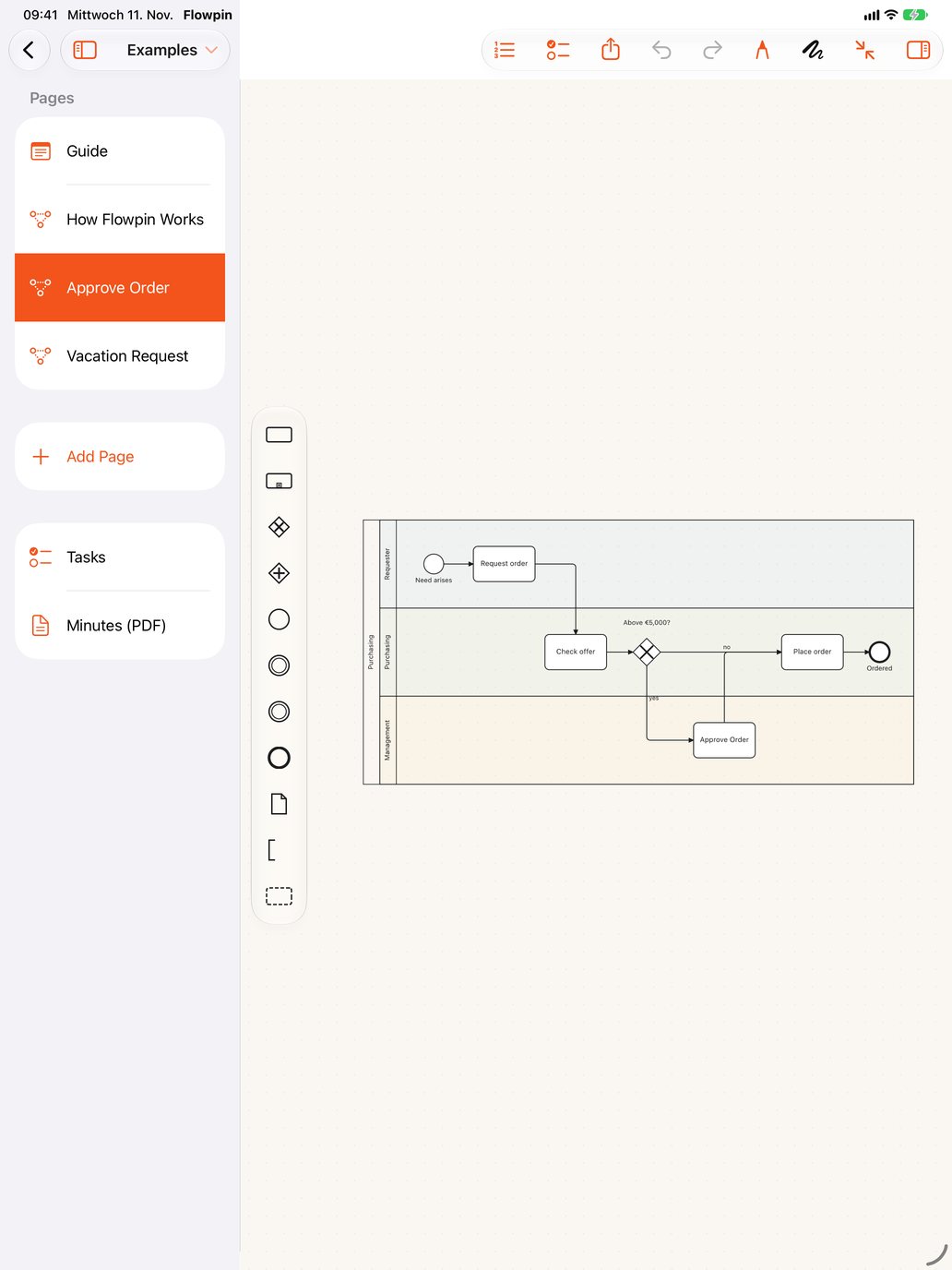
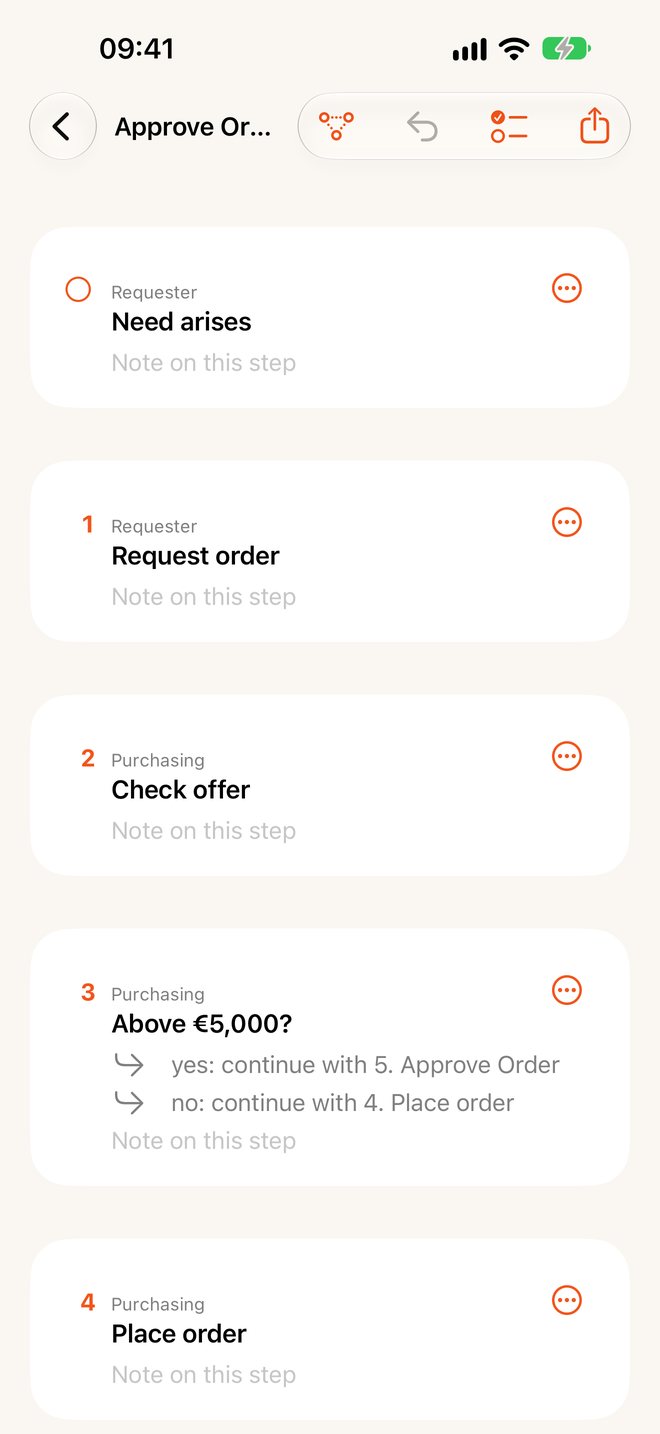
One workshop, three steps
Everything lives in one folder: the notes, photos, processes and tasks of a session.
Take notes
Note pages with handwriting or typed text, plus photos of flipcharts and whiteboards. Handwriting becomes text on the device.
Draw the process
Sketch with the pencil or place shapes with a tap. The result is valid BPMN 2.0 with pools, lanes and gateways.
Send the minutes
Tasks, notes, photos and processes end up in one PDF. Plus export as BPMN, PNG, SVG or text.
Your notes become a process
Write down what is said. “Model” turns each line into a step, “Purchasing: …” into a lane and a question into a decision.
New in version 1.1
Now on the Mac, and on the big screen
The same app with its own windows, menu bar and keyboard shortcuts. Download it for free on iPhone, iPad and Mac, and your workshops sync through your iCloud Drive.
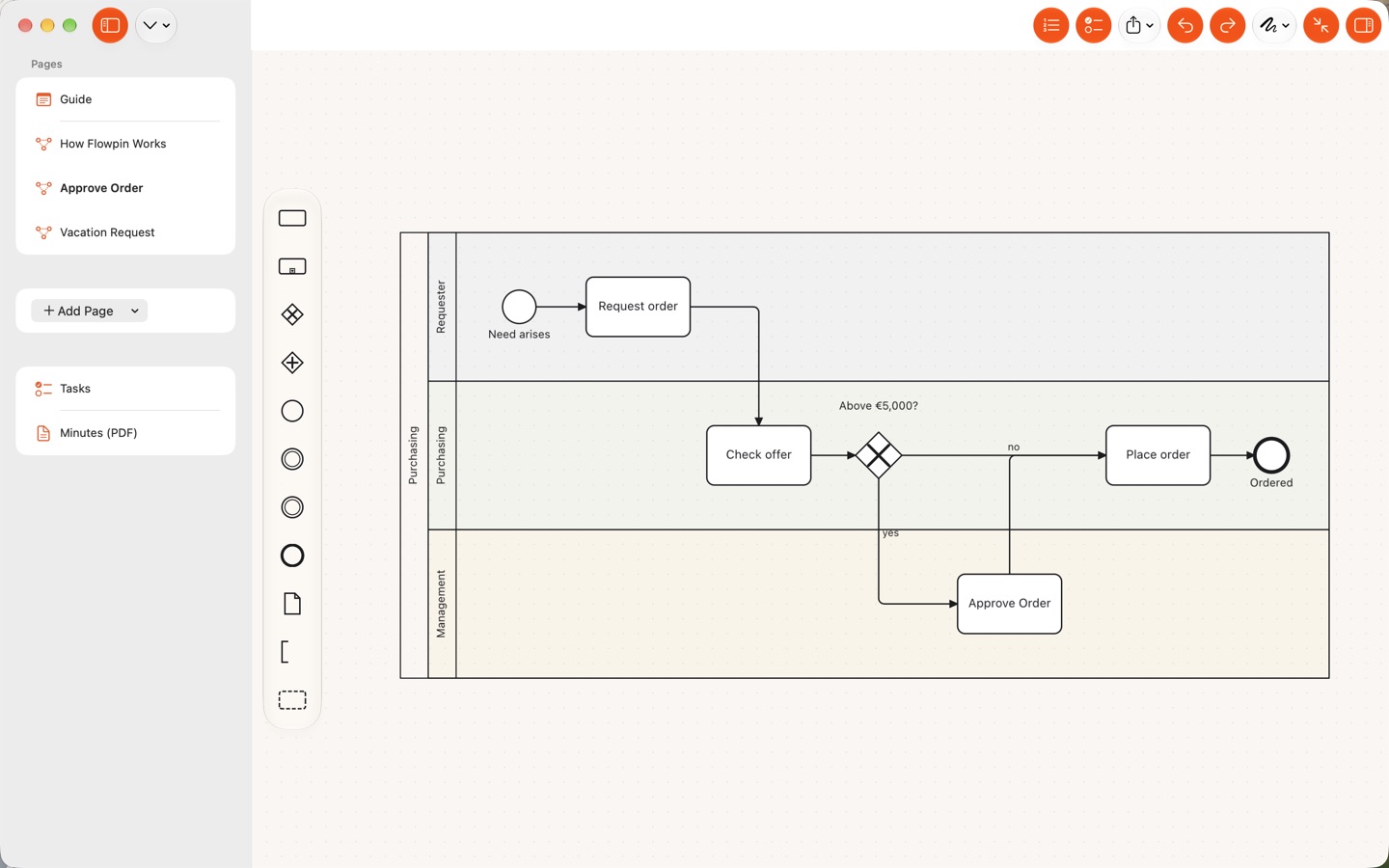
Model on the Mac, with mouse, trackpad and keyboard
Workshops open in their own windows, and every command is in the menu bar with a keyboard shortcut.
- Drag a selection rectangle, zoom with ⌘ and scroll, hold the space bar to pan
- Drag images and PDFs from the Finder onto a page, export with the Save dialog, print with ⌘P
- The same workshop on iPad and Mac: changes arrive within seconds, simultaneous edits are merged
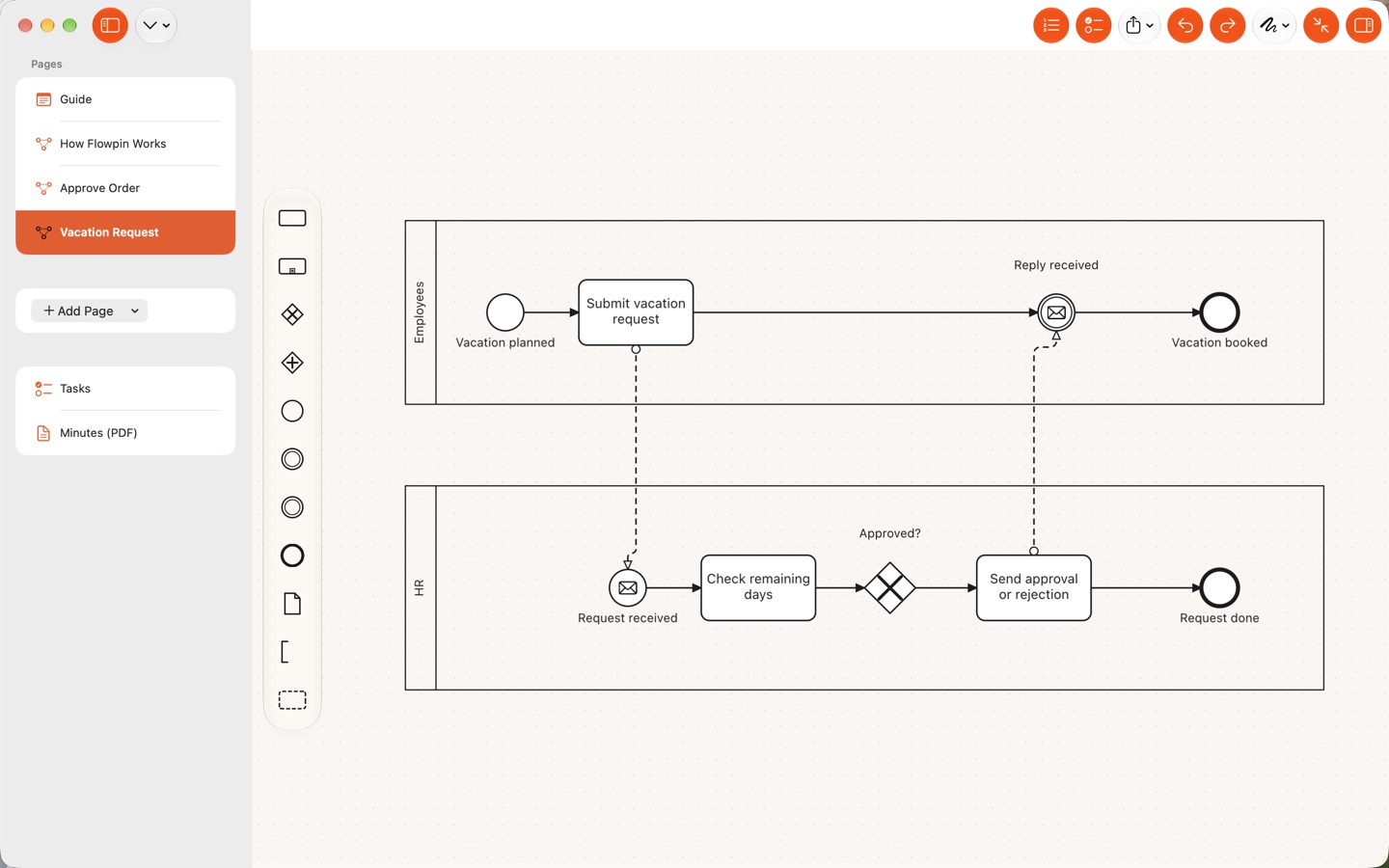
Present: the Mac shows, you work on the iPad
Share your Mac’s screen in the meeting and keep drawing on the iPad with Apple Pencil. The Mac shows the same page and section and picks up every change within a moment. It works the other way round, too.
- iPad and Mac can present and follow, the iPhone can present
- With several devices you choose where to present
- Directly on your local network and encrypted, only between your own devices
Made for the moment in the room
For consultants, facilitators, process managers and everyone who works out how things run together with others.
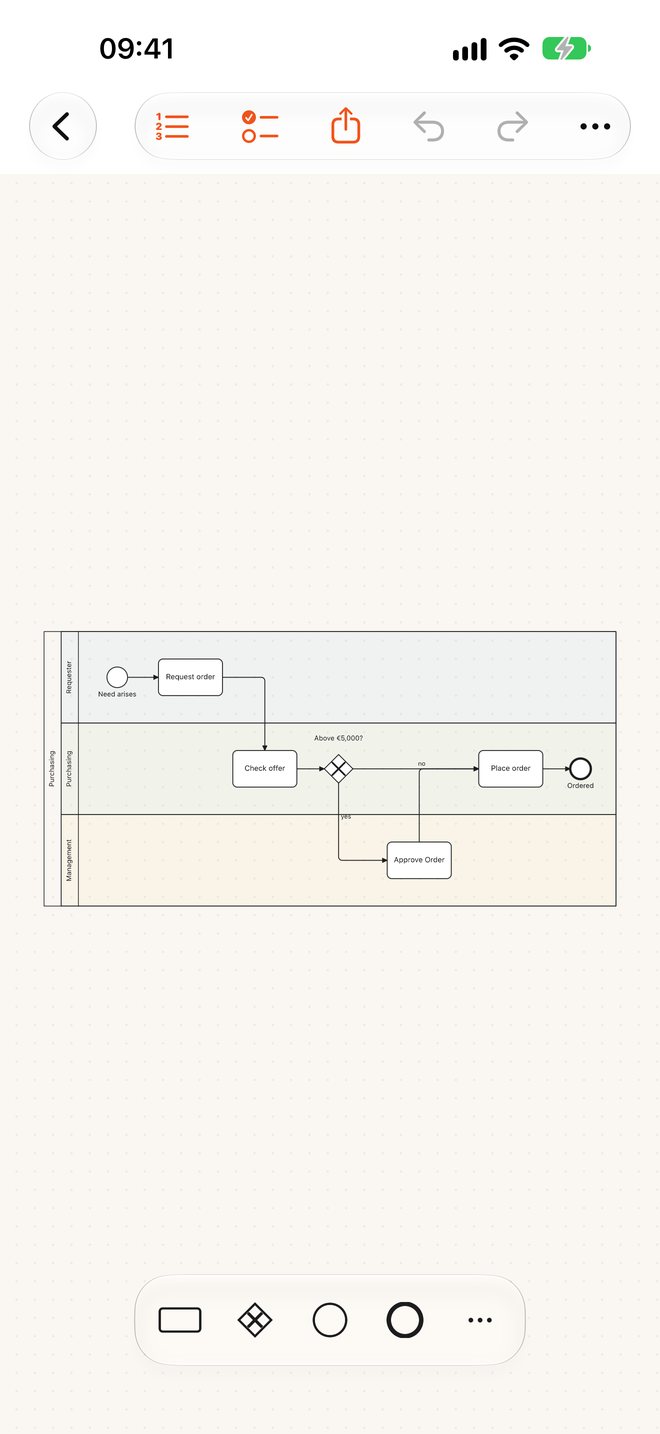
Draw processes as fast as people talk
Tap a shape, tap one of the four arrows, and the next step is there. Flowpin arranges the shapes and routes the lines.
- Sketch with Apple Pencil: rectangle, circle and diamond become BPMN shapes
- Pools, lanes, gateways, events, message flows, data objects
- Hints for open ends and missing connections, can be turned off per file
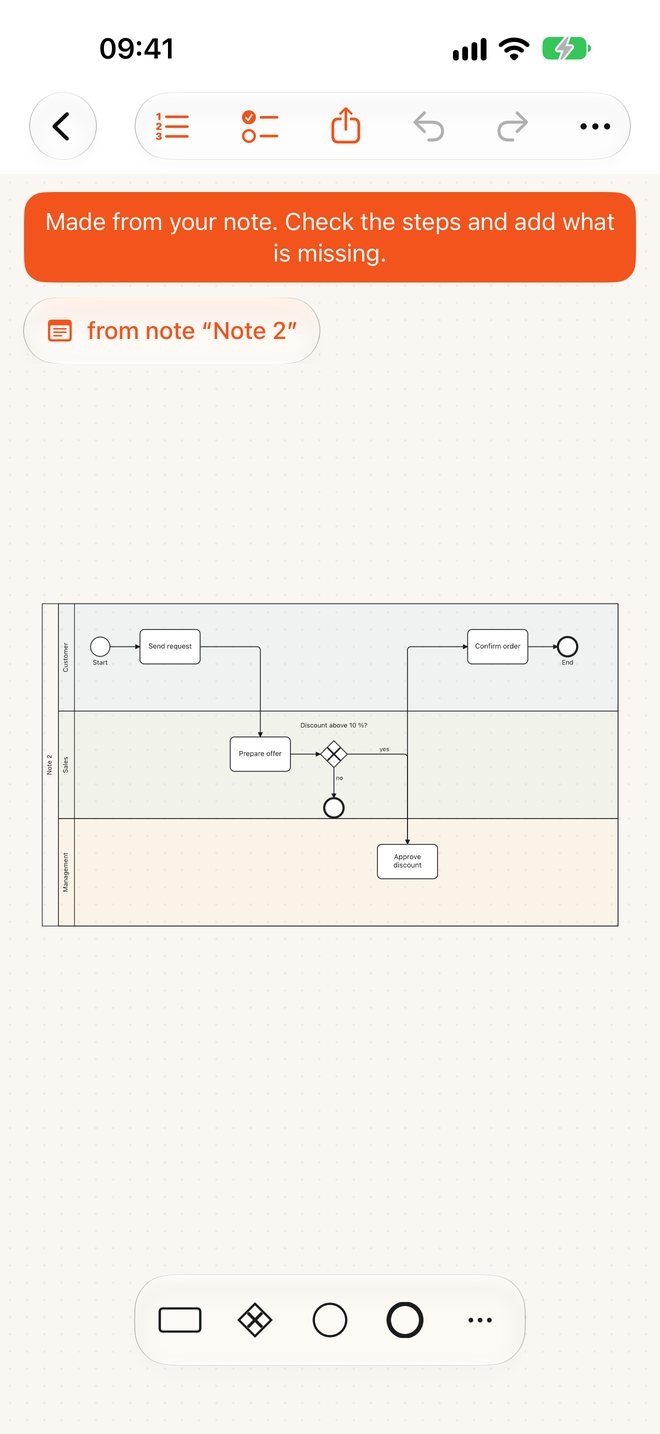
Kept writing later? The process grows with you
If you want, Flowpin adds new note lines to the existing process in the right place, in a single step you can undo.
- Use “@” in a note to point to a shape
- The line shows up at the step, a tap jumps to the diagram
- Renamed shapes are updated in your notes

Notes, photos and tasks in one place
Handwriting and typed text on the same page, flipchart photos with a scanner that straightens the sheet.
- Tasks from notes and on shapes, per workshop and across all workshops
- Pin notes to shapes, annotate freely over the diagram
- Search in text, handwriting and shape names
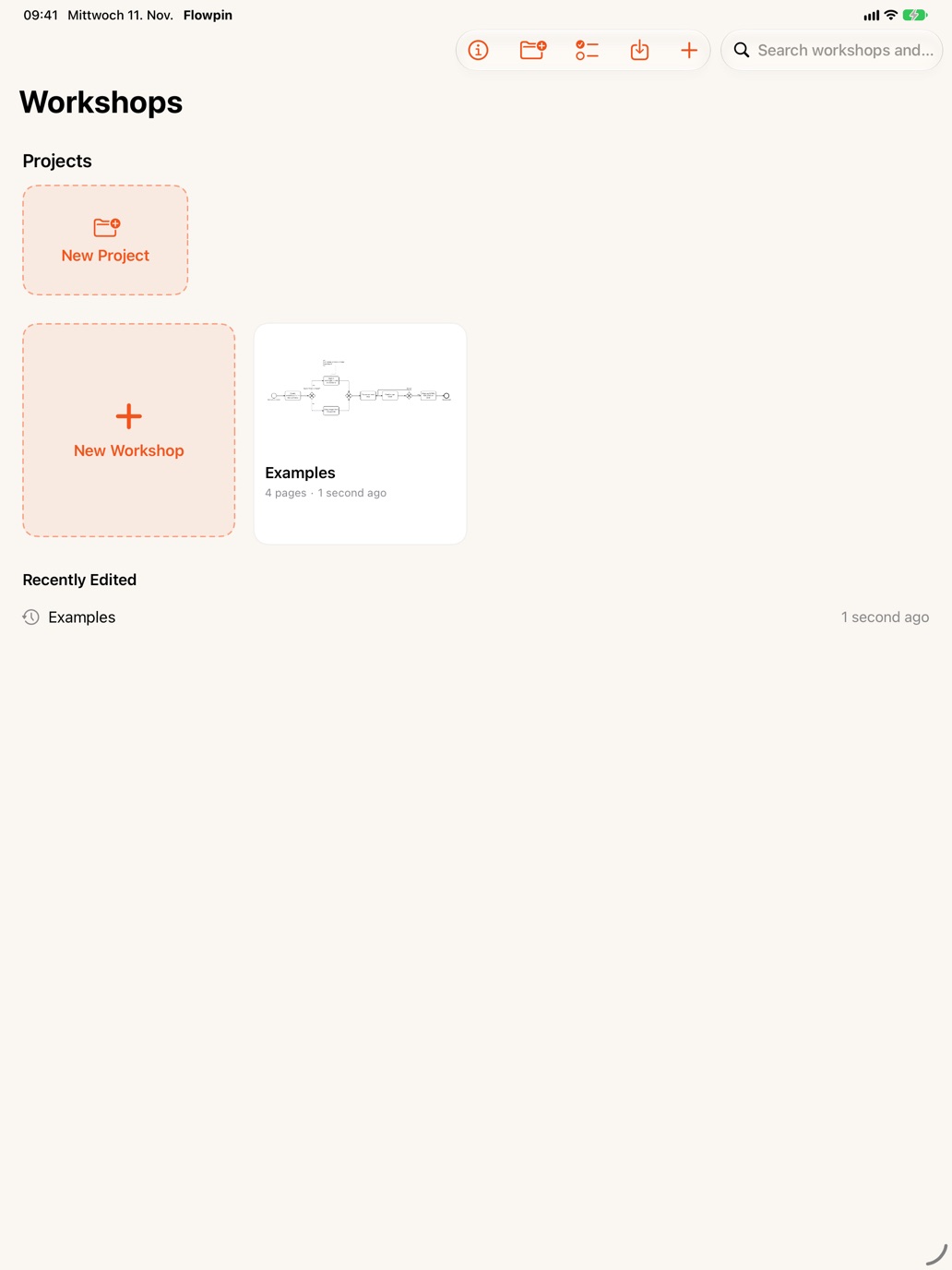
After the session, the minutes are already done
One tap creates the PDF: details, participants, tasks, notes, photos and every process with its flow as a list of steps.
- Workshops grouped by project
- Flow view: the same process as a numbered list, linked live to the diagram
- Share as PDF, BPMN, PNG, SVG or text
BPMN stays BPMN
Flowpin does not draw pictures, it builds models. Every process is a valid BPMN 2.0 file following the Object Management Group standard (ISO/IEC 19510).
Open and hand back
Exports from Signavio, Camunda and ARIS can be opened and edited. What Flowpin does not know stays in the file unchanged.
The elements workshops need
Tasks with their types, sub-processes, events, four kinds of gateway, pools and lanes, data objects, data stores, annotations and groups.
Share in any format
For the modeling tool, the slide deck or the email.
- .bpmn
- PNG
- SVG
- Text
Your data stays with you
Workshops contain confidential material. That is why Flowpin has nowhere for data to go.
No account, no server
No sign-up, no analytics, no ads. The app collects no data.
Your storage
Everything is saved as files on your device or in your iCloud Drive. You can find it all in the Files app and, on the Mac, in the Finder.
Offline
Everything runs on the device, including handwriting to text. Privacy policy
Frequently asked questions
More answers are on the support page, guides for workshops and BPMN under Guides.
What is Flowpin?
Flowpin is an app for iPad, iPhone and Mac that keeps a whole workshop in one folder: notes, photos, processes as BPMN 2.0 and tasks. At the end it turns them into minutes as a PDF.
What does Flowpin cost?
Flowpin is free and includes every feature. There are no in-app purchases, no subscription and no ads.
Do I need an Apple Pencil?
No. With your finger you place shapes from the palette and append the next step with a tap on an arrow. With Apple Pencil you can also sketch: rectangle, circle and diamond become BPMN shapes.
Can I open BPMN files from Signavio, Camunda or ARIS?
Yes. Flowpin reads and writes BPMN 2.0 as XML. Files from these tools can be opened, edited and handed back; content Flowpin does not know stays in the file unchanged.
Which BPMN elements does Flowpin support?
Pools and lanes, tasks with their types, sub-processes, start, intermediate and end events, exclusive, parallel, inclusive and event-based gateways, sequence and message flows, associations, data objects, data stores, text annotations and groups.
Does Flowpin work without internet?
Yes, completely. The app needs no internet and no account. Converting handwriting to text also runs on the device. For presenting, a shared local network is enough.
Where is my data stored?
As files on your device or in the “Flowpin” folder of your iCloud Drive. Flowpin has no server of its own and collects no data.
Can I work on my iPad while my Mac shows the process in a meeting?
Yes. With “Present” your Mac shows the same page and section as your iPad and picks up every change within a moment, for example while you share the Mac’s screen in a meeting. It works in both directions, and you can present from an iPhone too. The devices connect directly on your local network, encrypted and without a server.
Which devices does Flowpin run on?
On iPhone and iPad with iOS 26 or iPadOS 26 and later and on Macs with Apple silicon running macOS 26 or later, in English and German. It is the same app on every device, and your workshops sync through your iCloud Drive.
Ready for your next workshop
Flowpin is free on the App Store, for iPhone, iPad and Mac.
Flowpin is free and has no ads. If it helps in your workshops, you can buy me a coffee.