 Flowpin
Draw BPMN on the iPad
Sketch with Apple Pencil or tap with your finger: this is how you build a valid BPMN 2.0 process on the iPad that you can take into any modeling tool.
With your finger: tap a shape, tap an arrow
- Create a workshop in Flowpin ("+" in the overview). It opens an empty process right away.
- Drag a shape from the palette on the left onto the canvas, or tap it to place it in the middle.
- Tap the shape. Four arrows appear. Tapping an arrow appends the next task in that direction, connection included. Long-press the arrow to pick a gateway or event instead.
- Double-tap a shape to label it. Shapes snap to the grid, and connections are routed at right angles automatically.
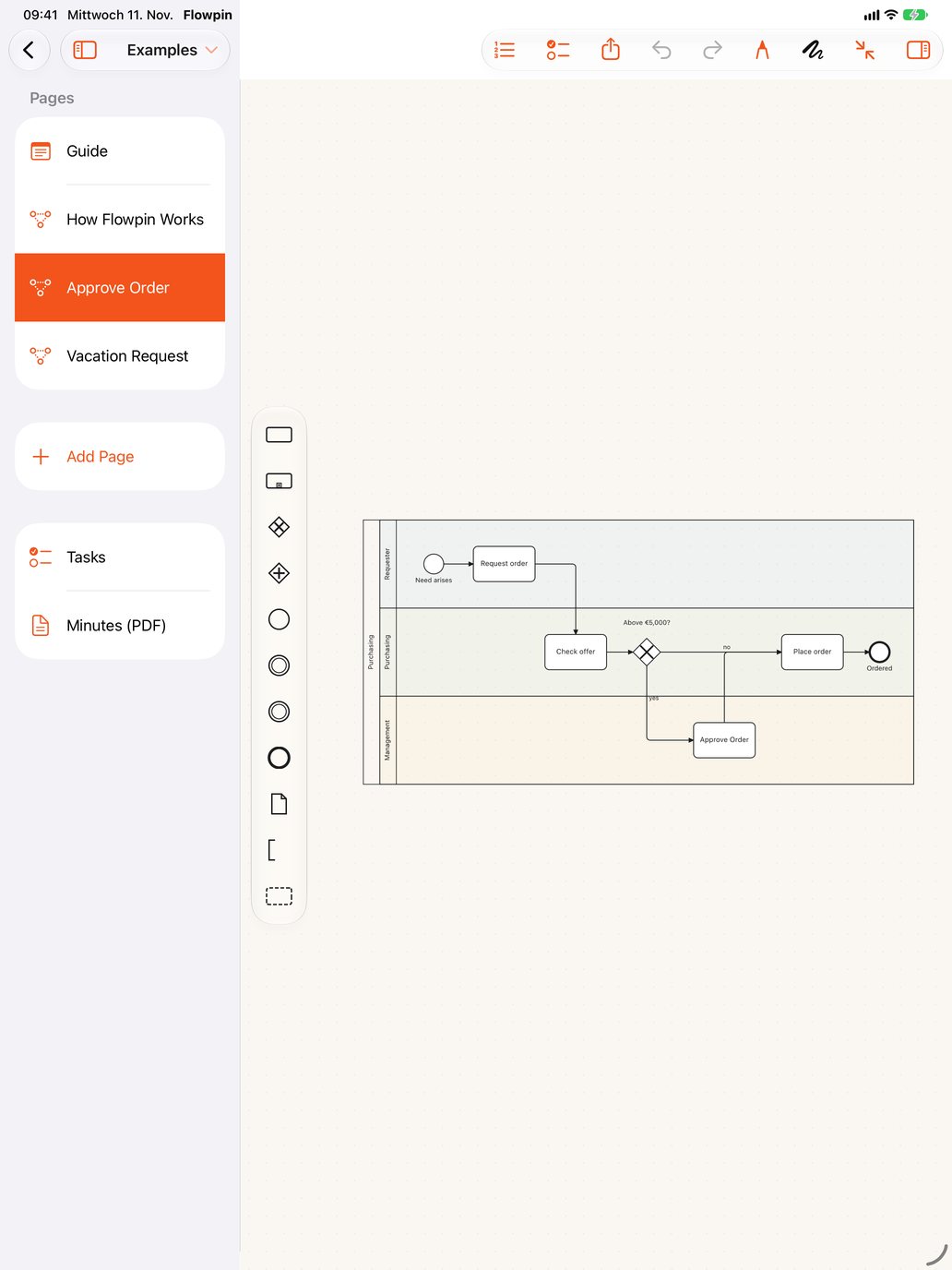
With Apple Pencil: sketch like on paper
- A rectangle becomes a task, a circle a start event, a thick or double circle an end event, a diamond a gateway.
- Draw an "X" or "+" into a diamond for an exclusive or parallel gateway.
- A line from shape to shape becomes a connection, a zigzag across a shape deletes it.
- A large, flat rectangle becomes a pool, another one inside it a lane. Writing into a task turns into its label.
When Flowpin is unsure, it offers two alternatives. Anything it doesn't recognize stays as an annotation and leaves the model untouched.
Which BPMN elements are supported?
Pools and lanes, tasks with their types, sub-processes, start, intermediate and end events, exclusive, parallel, inclusive and event-based gateways, sequence and message flows, data objects, data stores, text annotations and groups. Orange hints point out open ends and missing connections; if you deliberately draw more freely, turn them off per file.
Exporting
"Share" at the top right exports the process as BPMN 2.0, PDF, PNG or SVG. The .bpmn file is valid BPMN 2.0 and imports into Signavio, Camunda or ARIS (more on that). Everything saves automatically as files in your iCloud Drive.
And on iPhone and Mac?
You open the same processes on the iPhone and the Mac; on the Mac with mouse, trackpad and keyboard (T for a task, G for a gateway, ⌘ and scroll to zoom).
Flowpin is free for iPhone, iPad and Mac, with no account and no server.
Download on the App StoreAll guides