 Flowpin
Show a process in a meeting and edit it live on the iPad
You share your Mac's screen in the meeting but would rather work on the iPad with Apple Pencil? With "Present", the Mac shows live what you draw on the iPad.
What you need
- Flowpin on both devices, for example iPad and Mac, with the same Apple ID and iCloud Drive turned on
- Both devices on the same network (Wi-Fi, or Ethernet on the Mac)
- Agreeing once to "Find Devices on Network", in the introduction, when sharing or under Settings & Info
How it works
- Open Flowpin on both devices. As soon as the other device is found, the workshop shows a "Present" button.
- Tap "Present" on the device you work on, here the iPad. With several devices you choose the target or "Present on All".
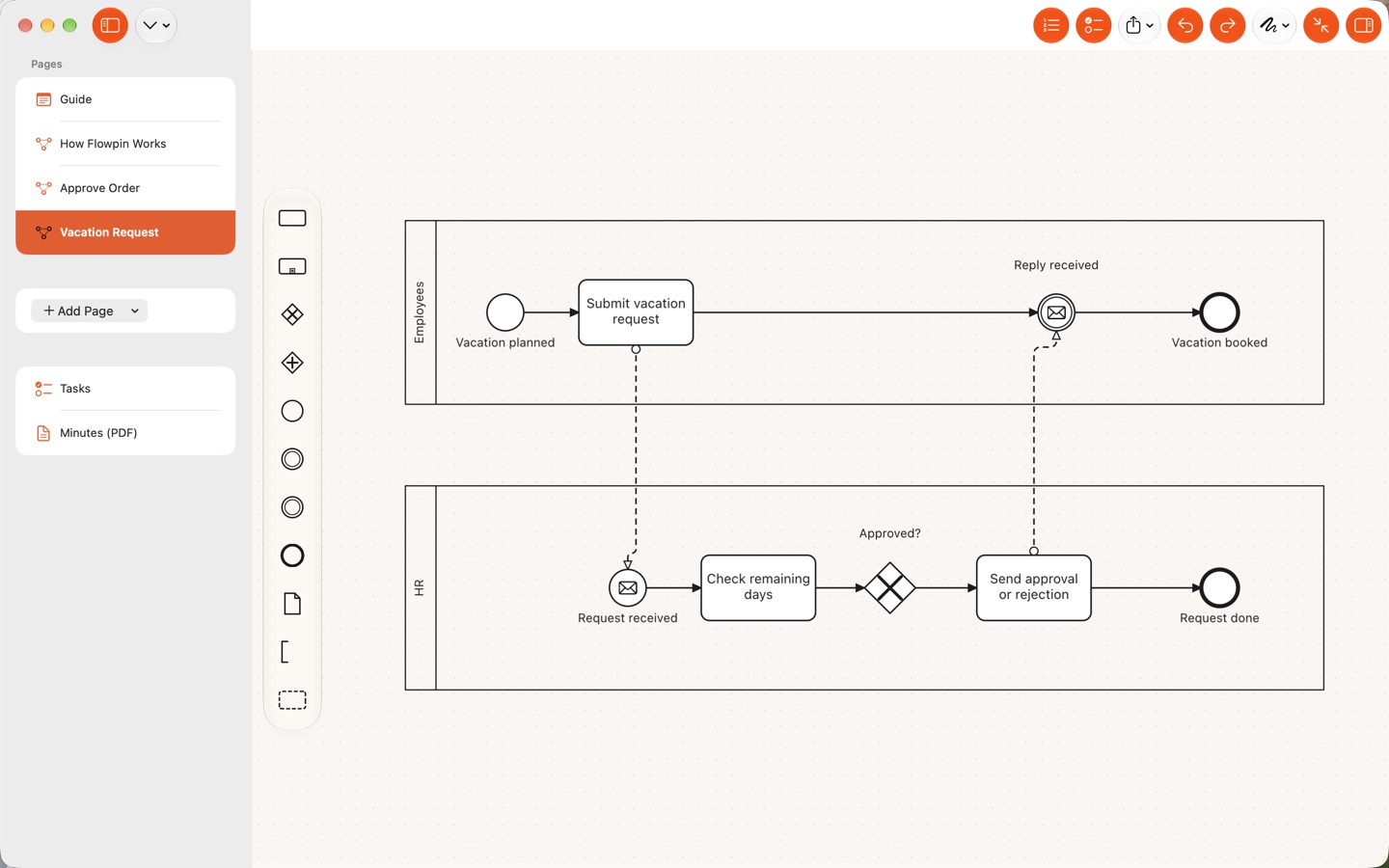
- The Mac opens the same workshop, shows the same page and section and picks up every change within a moment.
- Share the Mac's screen, or just the Flowpin window, in the meeting. "Stop" at the top disconnects.
Good to know
- It works both ways: work on the Mac and let the iPad show it, for example on a projector. The iPhone can present but doesn't follow.
- The connection runs directly between your devices on the local network and is encrypted. There is no server, and nothing leaves your network.
- If Present doesn't find a device, see Support (network access, same Apple ID).
Flowpin is free for iPhone, iPad and Mac, with no account and no server.
Download on the App StoreAll guides